Never forget a CS2 lineup again.
Save smokes, flashes, mollies and HE lineups from any YouTube clip. Pin them on the radar. Look them up before the next round.




Quick definition
What is a CS2 nade lineup?
A CS2 nade lineup is a repeatable grenade throw from a known position, using a specific aim point and technique so the grenade lands in a planned location. NadeNerd stores the source clip, thrower position and landing position together, then organizes the setup by map, grenade type and side.
Read the CS2 lineup guideA lineup library that doesn't get in the way
Every part of NadeNerd is designed for the 30 seconds between rounds. Fewer clicks, fewer tabs, fewer lost bookmarks.
Paste any YouTube or X link
Drop a URL with a ?t= timestamp and NadeNerd keeps the exact moment — no editing, no re-scrubbing.
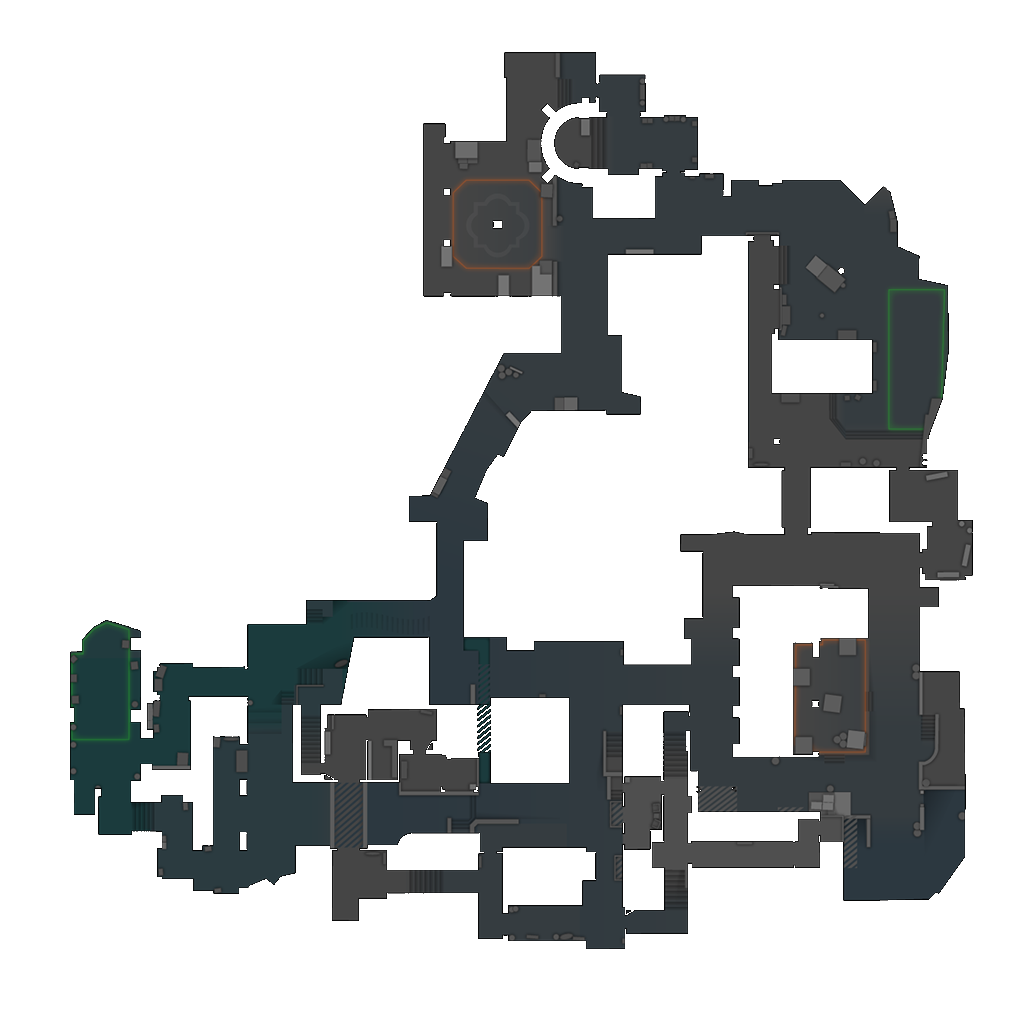
Pin thrower + landing on the radar
Tap where you stand and where it lands. Pins cluster automatically so busy spots stay readable.
Filter by nade, side and level
Smoke, flash, molly, HE, decoy. T or CT. Upper or under. One tap to narrow down before a round.
Works on every device
Open it on your phone, laptop, or second monitor. Installs as a PWA for one-tap launch mid-warmup.
Create lineup
Pick a map and start pinning lineups.
CS2 utility field guide
Learn fewer lineups. Remember the useful ones.
Ten focused guides for choosing, practicing and coordinating grenade utility—then saving it where you can retrieve it.
Questions
What is NadeNerd?+
NadeNerd is a personal lineup library for Counter-Strike 2. You save grenade lineups from YouTube clips, pin them on the radar of each competitive map, and look them up before a round.
Is NadeNerd free?+
Yes — NadeNerd is completely free while in beta. Sign up and start saving lineups at no cost.
Which CS2 maps are supported?+
NadeNerd currently supports Ancient, Anubis, Dust 2, Inferno, Mirage, Nuke, Overpass. Nuke includes separate upper and lower radar views.
Do I need to download or install anything?+
No. NadeNerd is a web app that works in any modern browser. On mobile you can add it to your home screen for a one-tap launcher.
Can I share my lineups with teammates?+
Yes! Create a team, share the invite link, and your teammates can see every lineup you assign to the team. You can be on multiple teams.
What should I save with a CS2 nade lineup?+
Save the thrower position, aim reference, throw technique, grenade landing position, player side, map level and a timestamped demonstration clip.